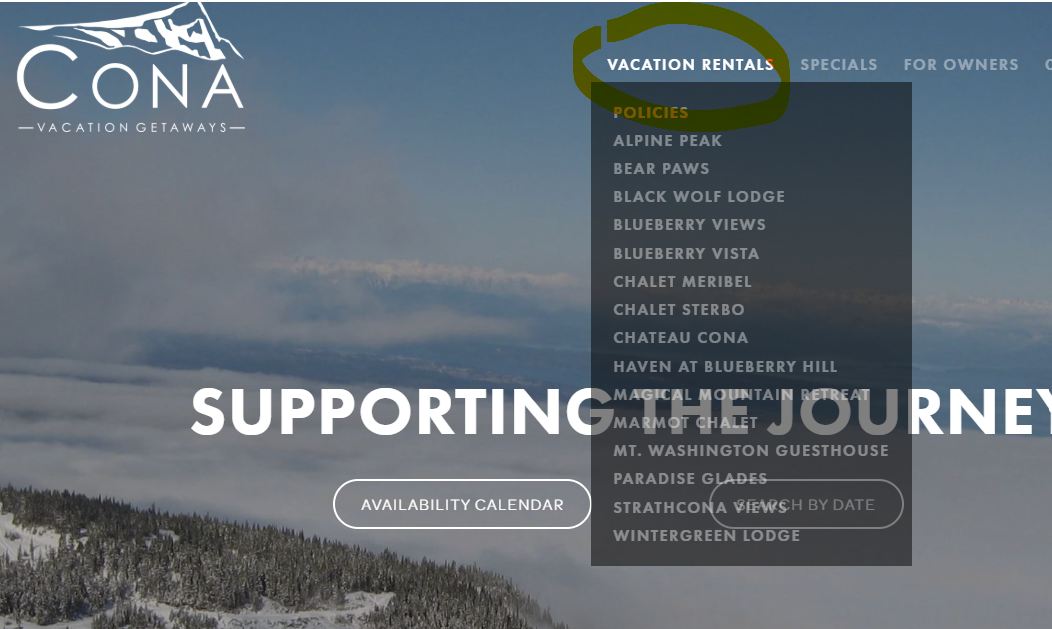

3 ways to book!
Fixed Dates?
Use our booking widget to see what is available
TIP: Many of our properties are set up to allow fewer adults than the total number of people the property will hold to encourage families and avoid parties. A property will not show up as available if you are trying to book with more people or more adults than the property is set up for.
Flexible Dates?
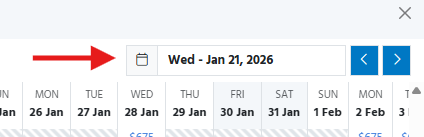
TIP: Select a start date in the top right of the calendar and then use the arrows to scroll through the calendar.
Favourite Unit?
Select the name of the unit from the menu at the top under Vacation Rentals (3 lines on the top right from a device) and click on the RESERVE button at the bottom of your preferred unit’s page. If your dates are flexible, we suggest you book through the RATES button on the unit’s page. There you can view the availability calendar similar to above but just for that unit. To double check the room layout or amenities of the property, click on the AMENITIES BUTTON for a printable pdf.